Ai Youtube thumbnail generator
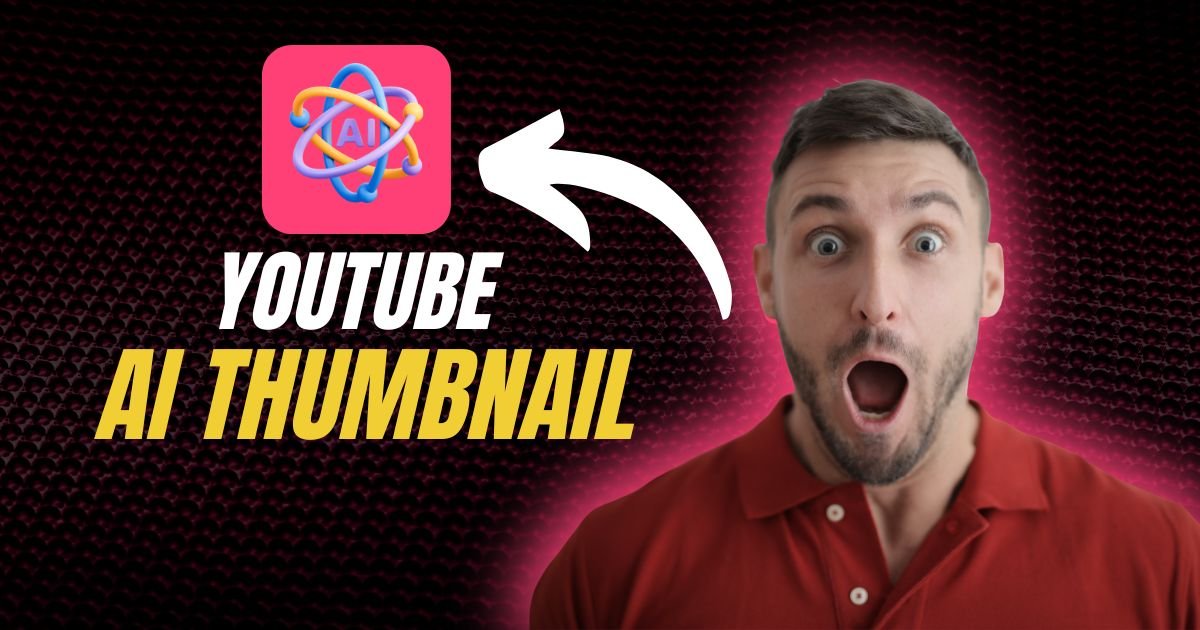
AI YouTube Thumbnail Generator: Make Eye-Catching Thumbnails Instantly
If you’ve ever struggled to create YouTube thumbnails that grab attention, you’re not alone. A thumbnail is often the first thing a viewer sees, and it can make or break your click-through rate. But designing thumbnails manually can be time-consuming — especially if you’re uploading videos regularly.
Enter AI YouTube thumbnail generators: tools that create professional, eye-catching thumbnails in seconds using artificial intelligence. In this guide, we’ll explain how they work, why they’re a game-changer, and how you can use them for your channel.
What is an AI YouTube Thumbnail Generator?
An AI thumbnail generator uses machine learning to automatically design thumbnails for your YouTube videos. You provide:
- Your video title or keywords
- Images or video frames
- Branding guidelines (colors, fonts, logos)
The AI then creates a visually appealing thumbnail optimized for clicks and engagement. Some tools even suggest thumbnail designs based on trending videos in your niche.
Benefits of Using AI for YouTube Thumbnails
- Saves Time
Instead of manually designing thumbnails in Photoshop or Canva, AI tools generate them in minutes. - Increases Click-Through Rates (CTR)
AI analyzes what works on YouTube and suggests designs that attract more viewers. - Consistent Branding
Many AI tools allow you to keep your logo, colors, and font consistent across all videos. - Easy for Non-Designers
Even if you have no design skills, AI can produce professional-looking thumbnails.
How to Use an AI YouTube Thumbnail Generator
- Choose Your Tool
Popular options include Canva AI, Snappa, Adobe Firefly, and Fotor AI. - Input Your Video Details
Add your video title, a few keywords, or a short description. - Upload Images or Frames
Select a frame from your video or upload custom images for the thumbnail. - Let AI Generate Options
The AI will create multiple thumbnail designs automatically. - Customize
Adjust colors, fonts, text placement, and add your logo if needed. - Download and Upload
Once satisfied, download the thumbnail and upload it to your YouTube video.
Top AI YouTube Thumbnail Generators in 2026
- Canva AI – Offers pre-made templates and AI design suggestions.
- Snappa – Simple tool for quick, high-quality thumbnails.
- Fotor AI – AI-based background removal and thumbnail optimization.
- Adobe Firefly – AI-powered creative features for pro-level thumbnails.
These tools are beginner-friendly, and many offer free tiers to start creating thumbnails without cost.
Tips for Creating Click-Worthy Thumbnails
- Use Bold, Readable Fonts – Titles should be easy to read even on small screens.
- Include Faces – Thumbnails with expressive faces often get more clicks.
- High Contrast Colors – Make your thumbnail stand out in search results.
- Keep It Simple – Avoid clutter; focus on the main subject.
- Add Branding – Logo or brand colors help viewers recognize your content.
Final Thoughts
An AI YouTube thumbnail generator is a game-changer for creators who want to save time, stay consistent, and boost video engagement. While AI handles the design, adding your creativity ensures your thumbnails reflect your unique style.
At Printbuddynow.com, we specialize in AI-powered marketing tools, including video and visual content creation. We can help you design thumbnails, AI video ads, and social media content that captures attention and drives results.